

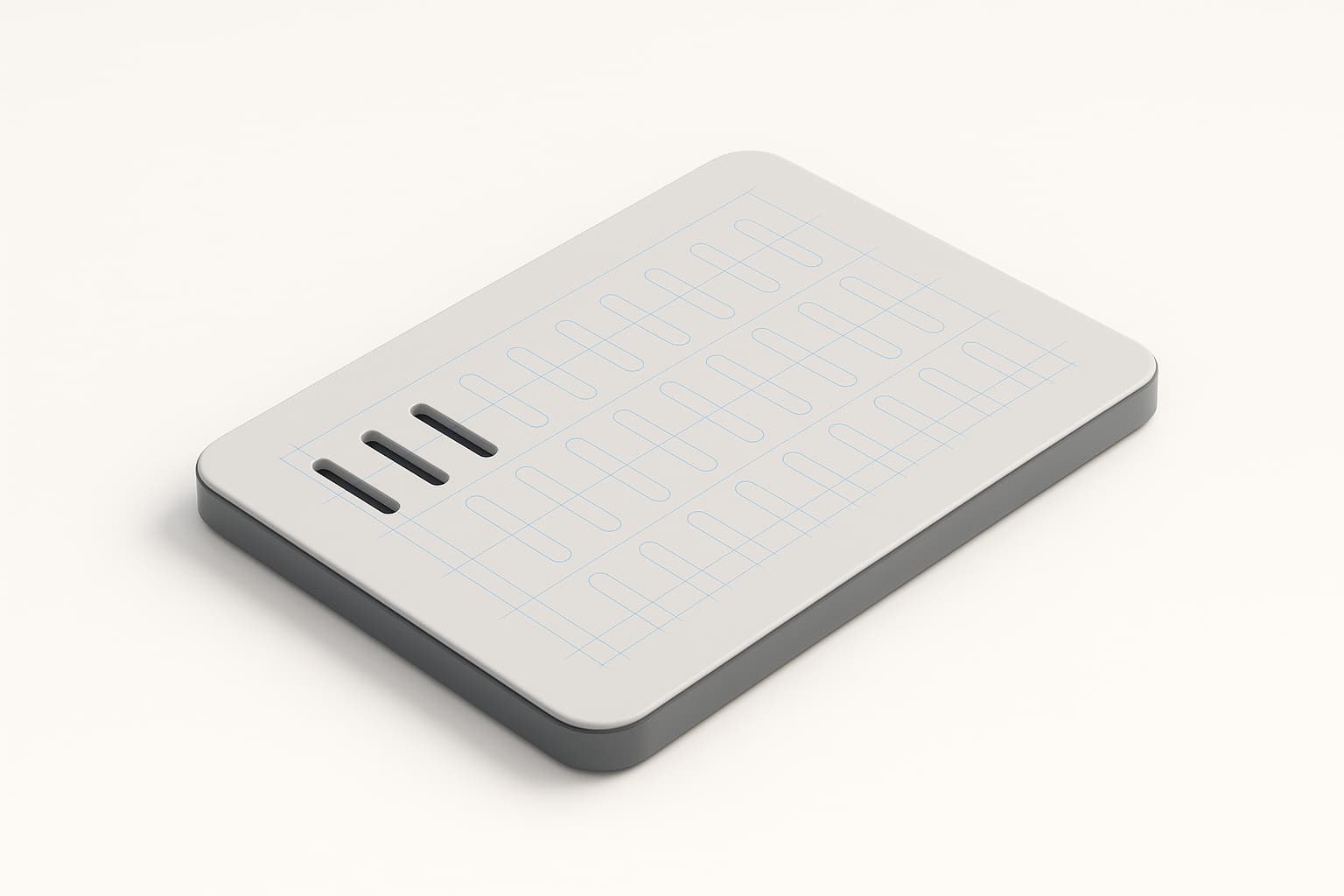
Zenve3D 0.6.3 ships the feature pattern. Tap a feature in the timeline, choose grid or circular, set the counts, press Create — and the cut, boss, or hole you made once repeats itself across the part. Counts, spacing and the sweep angle are all expressions, so a single parameter can drive the whole array.
It repeats the feature, not the body
This is the design decision that makes the tool worth having, so it's worth understanding. A pattern in Zenve3D duplicates a step in the recipe, not a lump of geometry.
The difference shows up the moment you pattern a cut. A cut doesn't produce a body you could copy — it removes material. Because the pattern repeats the feature itself, a patterned cut carves every instance and a patterned join grows every instance, all as one feature in the timeline. Pocket a block once, pattern the pocket, and you have a tray of pockets — not one pocket and a pile of confused copies.
How to use it
Press A (or pick Pattern from the toolbar), then tap the feature you want to repeat in the timeline.
- Grid takes columns and rows in one panel — five on X and five on Y is one line of input. Each direction needs at least one, and the grid runs up to 256 instances.
- Circular takes a sketch line as the axis, plus a count and the angle to sweep. Draw a construction line where the axis should be, pick it, set the count.
While you're still typing the count, a ghost shows every instance at its real placement. On a patterned cut, the ghost shows the material about to leave — you see the vent grille before it exists.
Example: a vent grille
The classic maker case: an electronics enclosure that needs airflow.
- Sketch one slot on the enclosure wall and extrude-cut it through.
- Press A, tap the cut in the timeline, choose Grid.
- Set columns to
vent_colsand the spacing toslot_width * 2— counts and steps are expressions, so they can reference your named parameters.
Now the grille is one feature. Move the board inside and need more airflow? Change vent_cols from 6 to 9 and the wall re-lays itself out. No deleting, no re-drawing, no counting slots by hand.
Example: a bolt circle
Six mounting holes around a lid:
- Cut one hole at the bolt-circle radius.
- Pattern it — Circular, a construction line through the lid's center as the axis, count 6, sweep 360°.
When the flange grows and needs eight bolts, the count is a number in a panel, not an afternoon of edits. The same recipe covers LED rings, fan guards, and knob detents.
Instances keep their identity
A subtle promise that matters once you build on a pattern: an instance's number belongs to the recipe, not to a position in space. Negate the spacing and instance 3 is still instance 3 — now on the other side of the seed — carrying along any sketch you hosted on it. Growing the count keeps every existing ordinal.
The same release also gave copies named faces, so an instance is a first-class citizen: sketch on it, fillet its edges, shell it. The previous build refused all three.
An instance's number is the recipe's, not a position.
Honest limits
A grid tops out at 256 instances, and each direction needs a count of at least one. The pattern repeats one feature at a time — patterning a whole group of features together is the richer version, and it isn't built yet. And if you're scripting with .zcmd: a pattern copies, it does not link — the instances are real records, so the count can't be reopened after the ink is committed.
What's next
The feature pattern is one of the six items in the current milestone — the same push that landed STEP export (that post is here) and is heading toward rigid mates between parts.