
Building a CAD app, in public.
Engineering deep-dives, development updates and lessons from building Zenve3D — one feature at a time.
Scripts and add-ins: a library anyone can grow
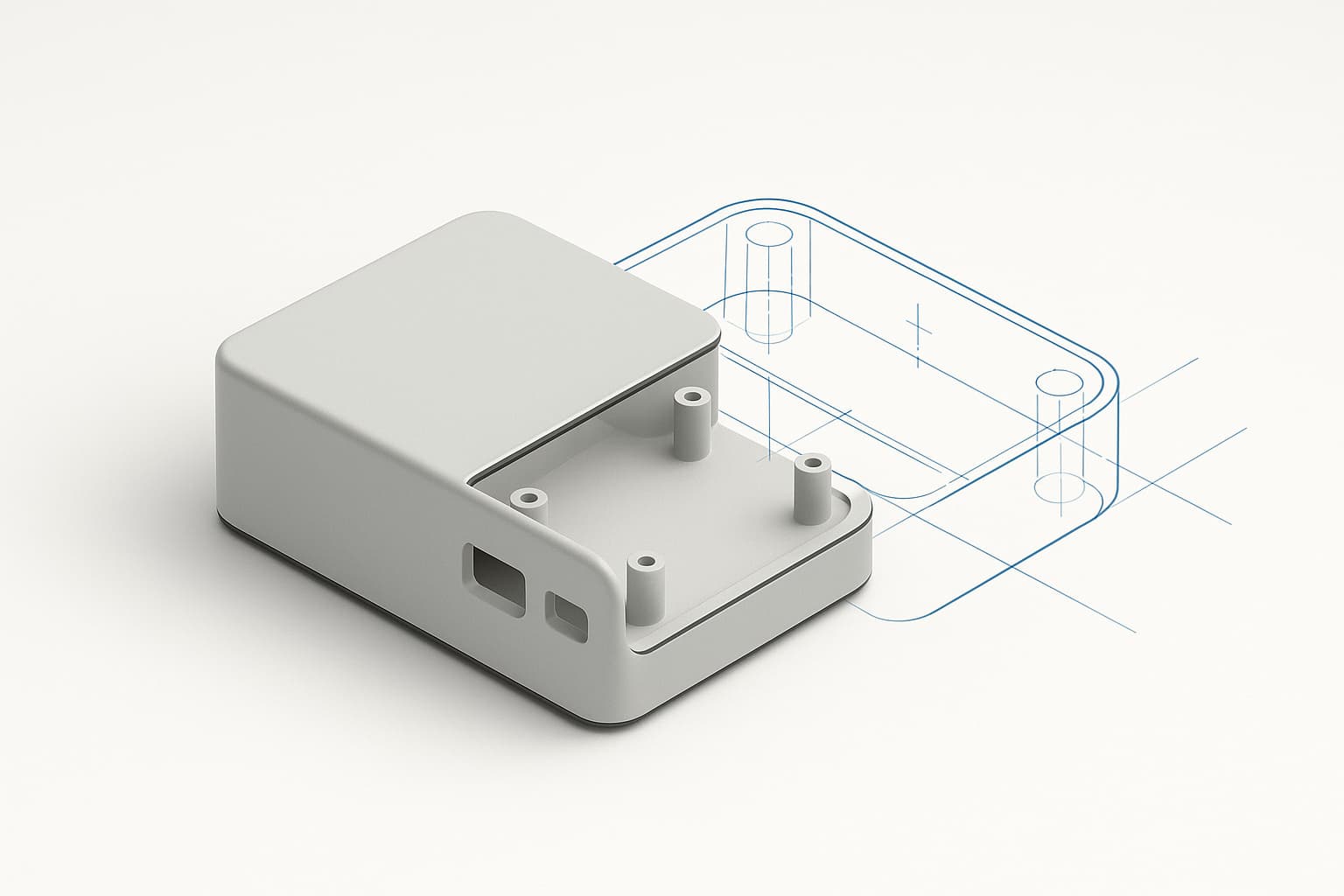
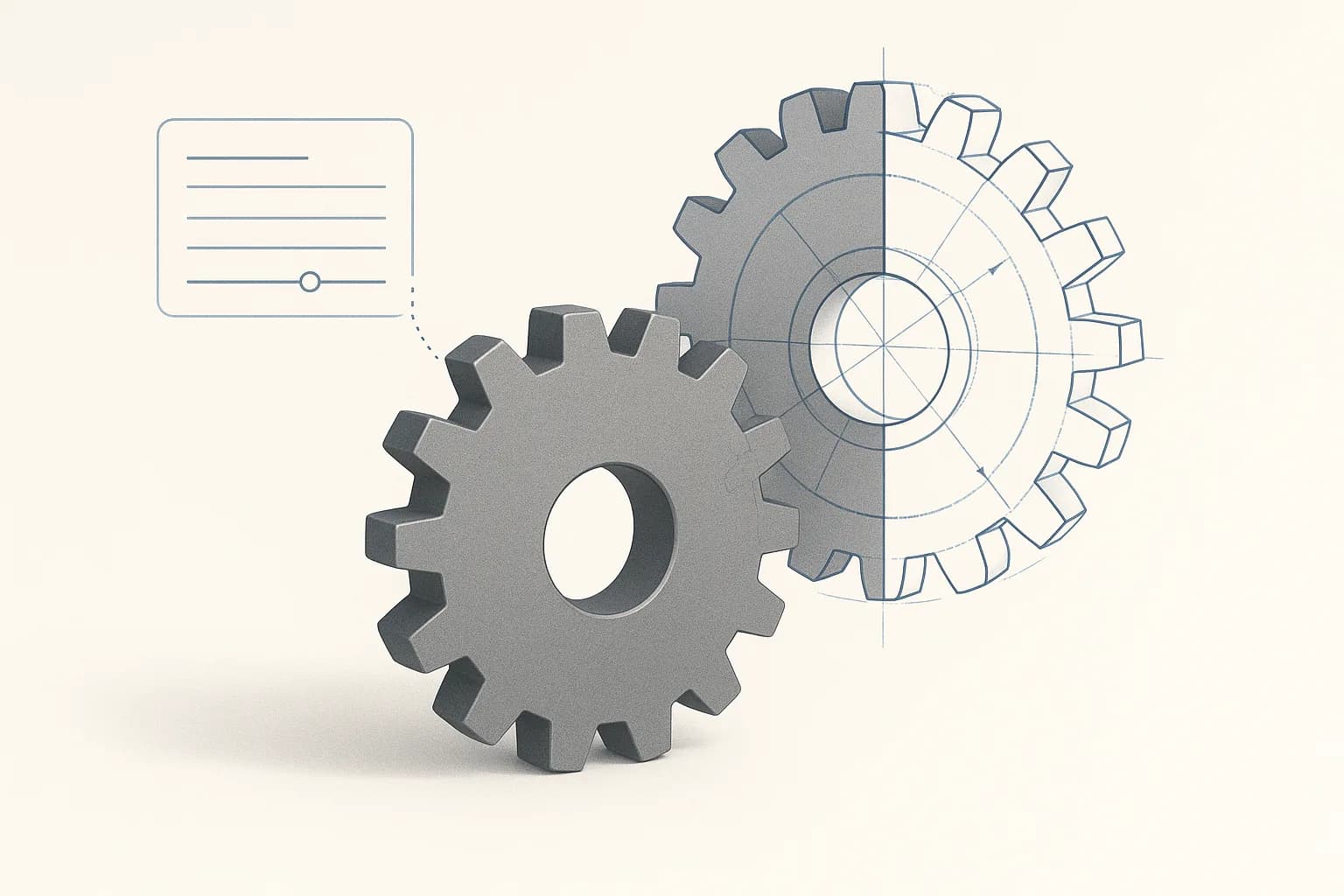
A script in Zenve3D can now ask for values before it draws — module, teeth, bore — and a shared library of parts and add-ins ships inside the app, fed by a public GitHub repo anyone can send a pull request to.
Joints: seat a pin in its bore
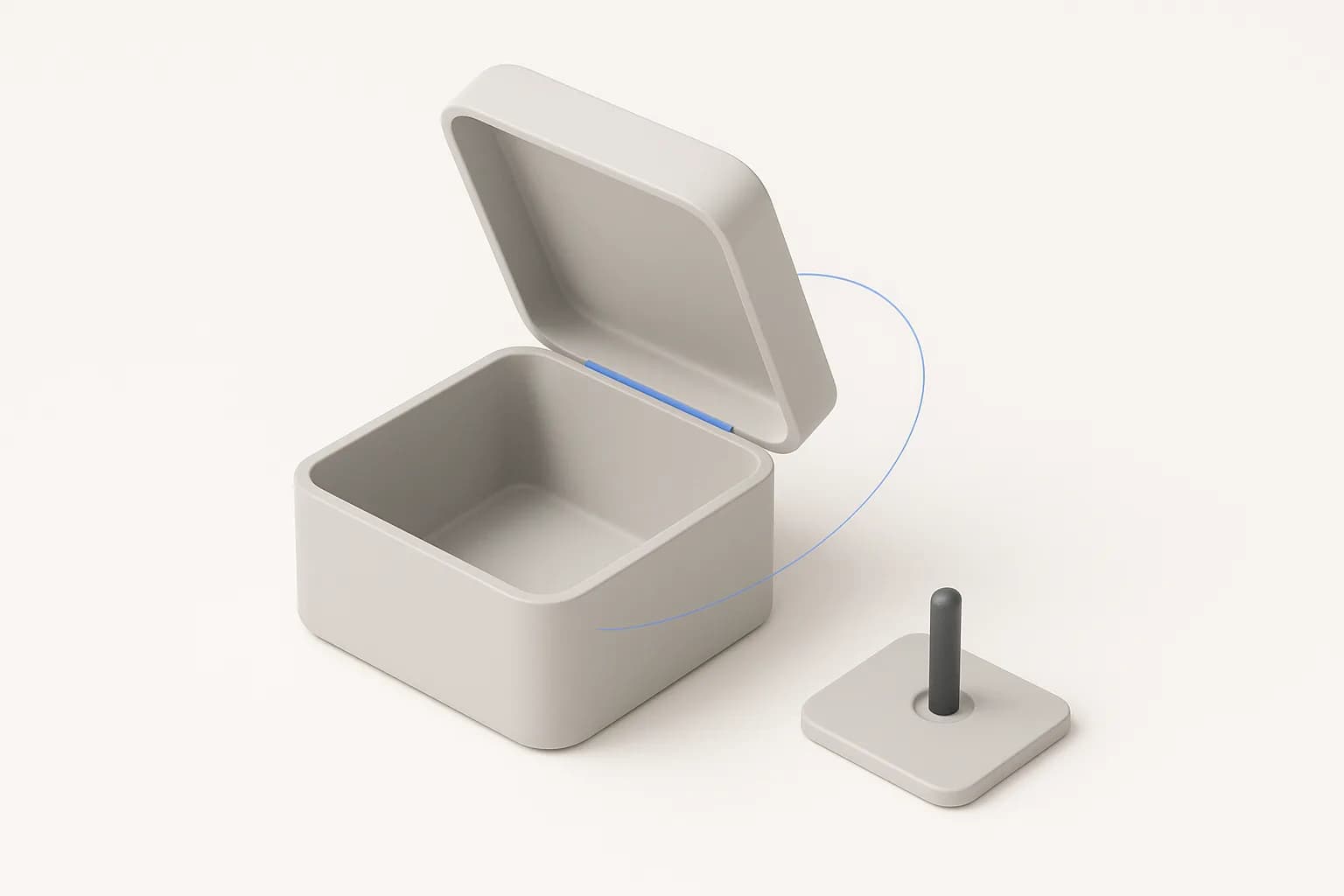
A mate no longer has to be face to face. Seat on an edge, a hole's rim, a cylinder's axis or the midplane between two walls, slide it with four live offsets, and make it a revolute joint that swings a lid on its hinge.
Text in a sketch: letters that extrude
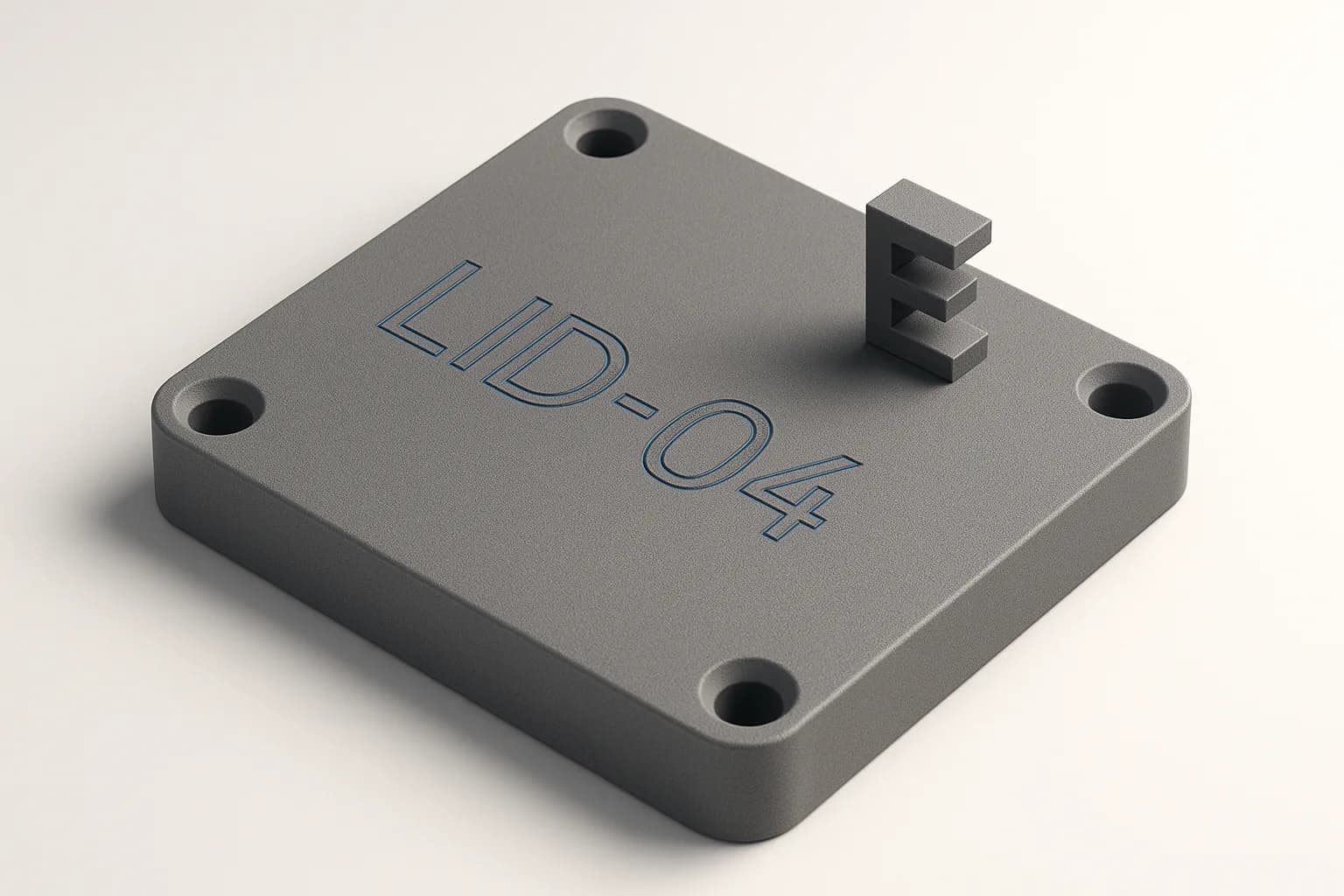
Shipped in 0.11.4 — type a word, tap where it goes, and every letter is a region you can extrude, engrave or emboss like any shape you drew. Five bundled fonts, height and angle as expressions, and the part rebuilds to the same letters on every machine.
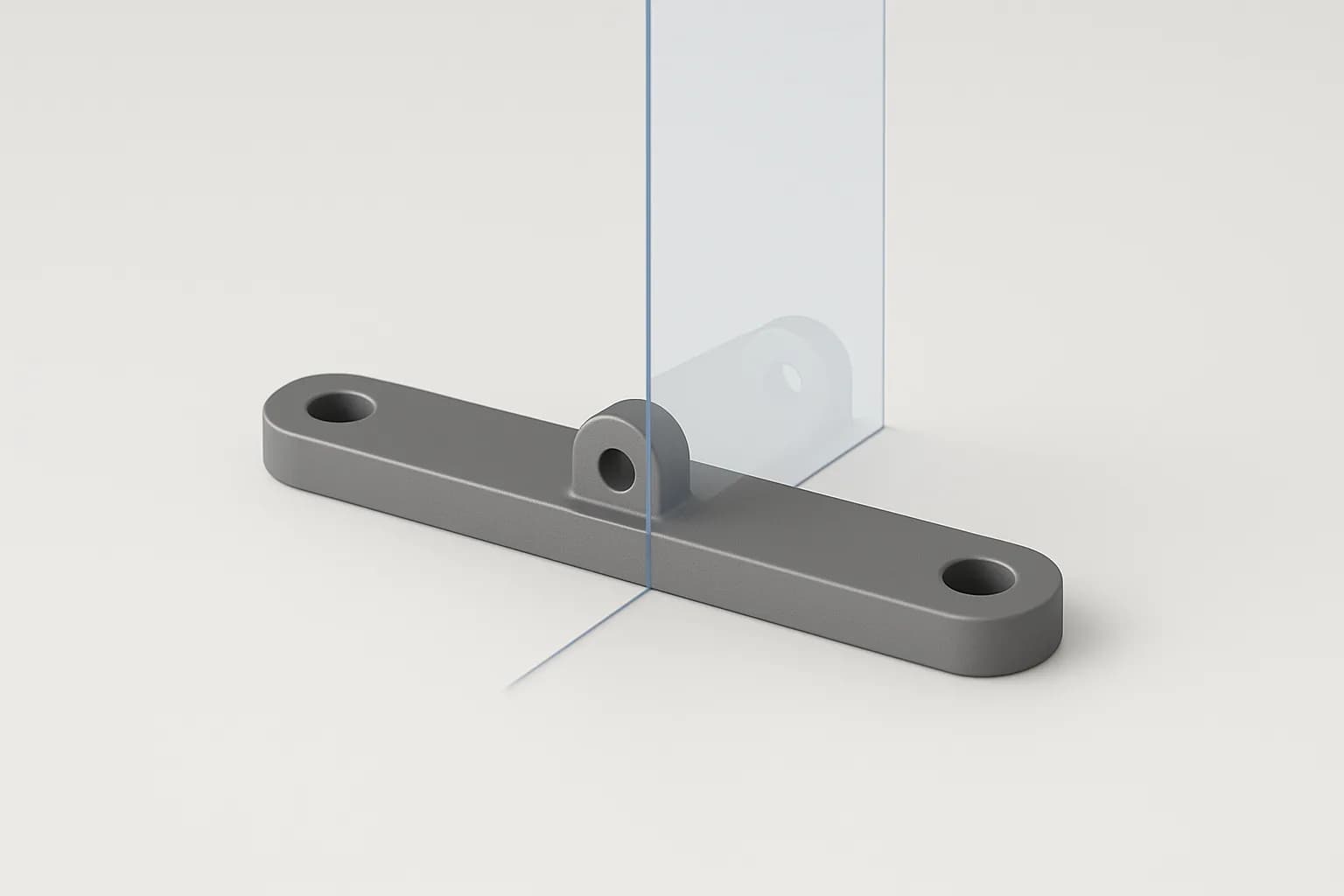
Mirror: half a part, drawn once
Shipped in 0.11.0 — pick the features or the body, pick a plane or a flat face, and the other half lands across it. A mirrored cut carves, a mirrored boss grows, and both halves follow one dimension afterwards.
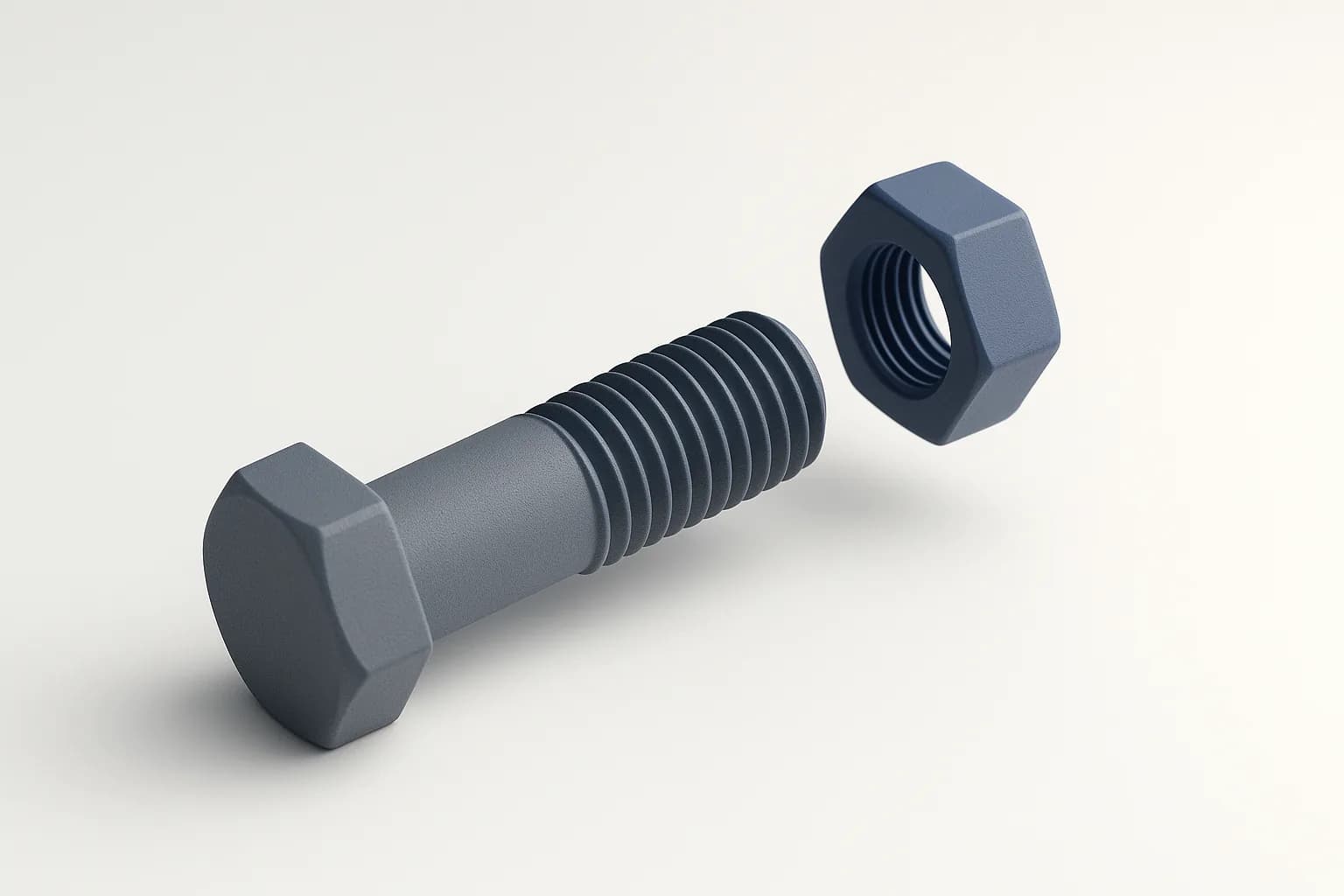
Threads: real geometry on a cylinder
Shipped in 0.9.0 — pick a cylindrical face and get a modeled ISO thread, cut into a boss or raised inside a hole, with metric presets and a printing clearance so the printed parts actually turn.
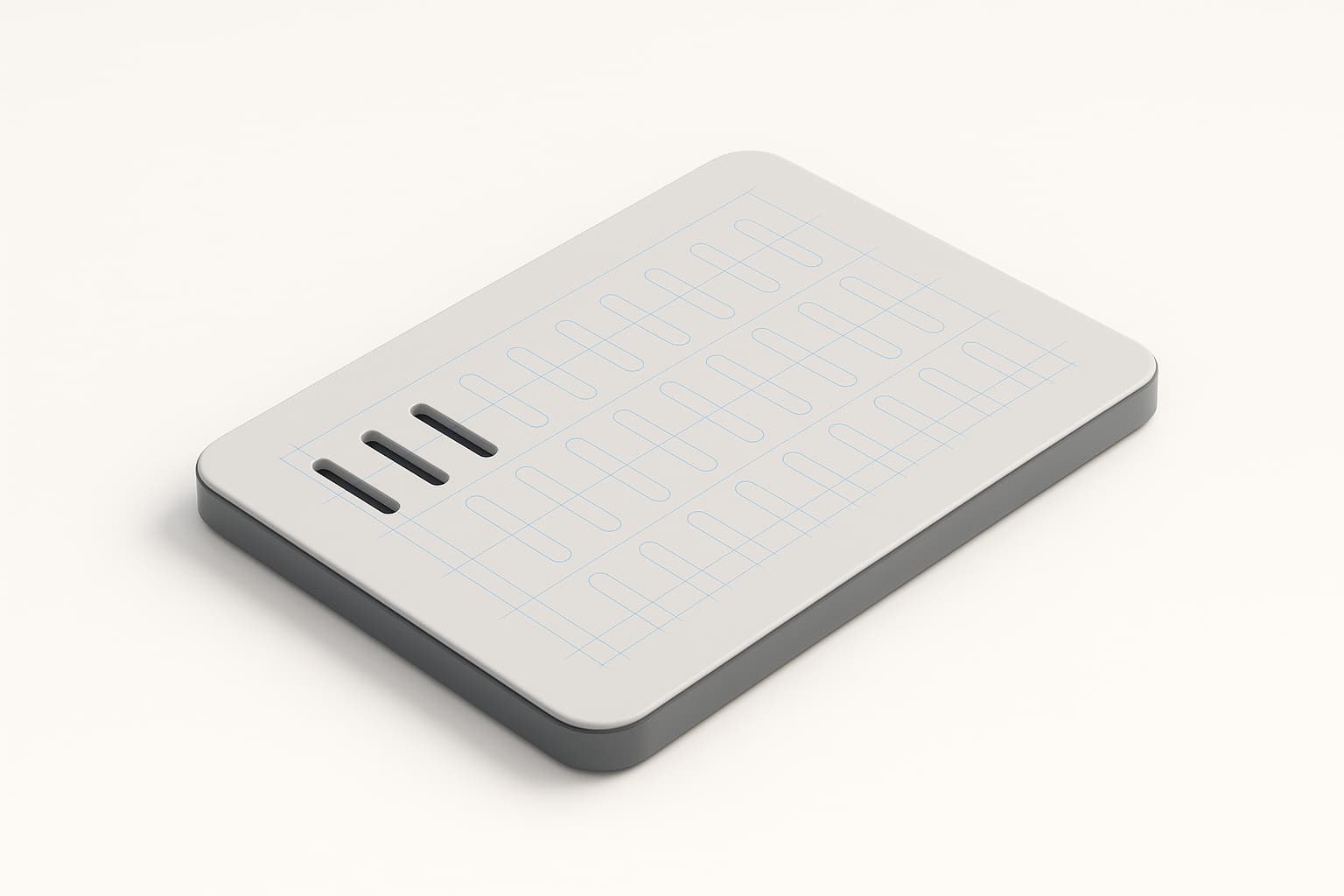
Pattern a feature: grids and circles
Shipped in 0.6.3 — repeat any feature across a grid or around an axis, with counts and spacing driven by parameters. Vent grilles and bolt circles stop being copy-paste work.
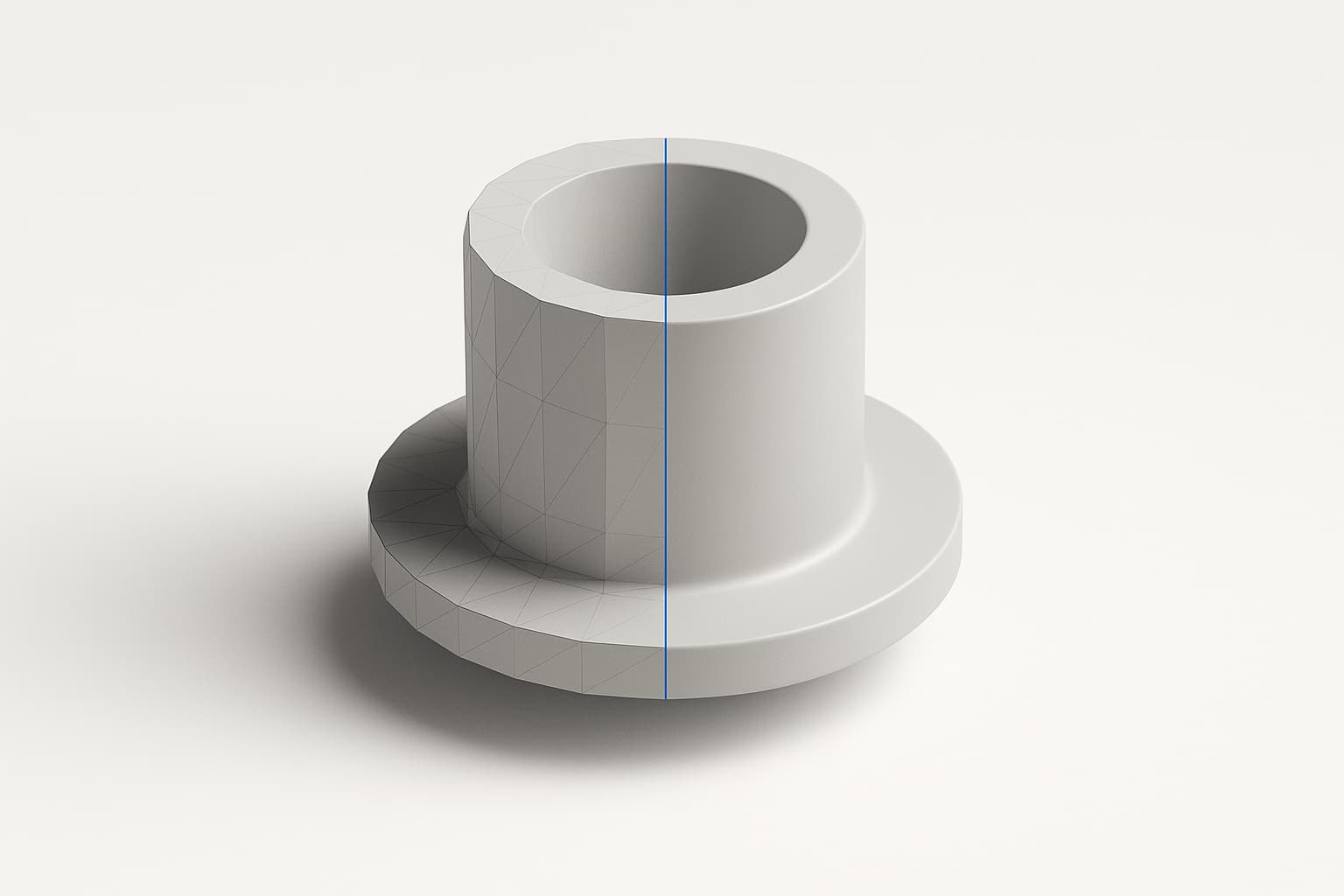
STEP export: parts that leave as solids
STEP lands in Zenve3D, both directions — export exact, editable geometry instead of a mesh, and import vendor models to build around. Fusion 360, FreeCAD and Shapr3D all round-trip.
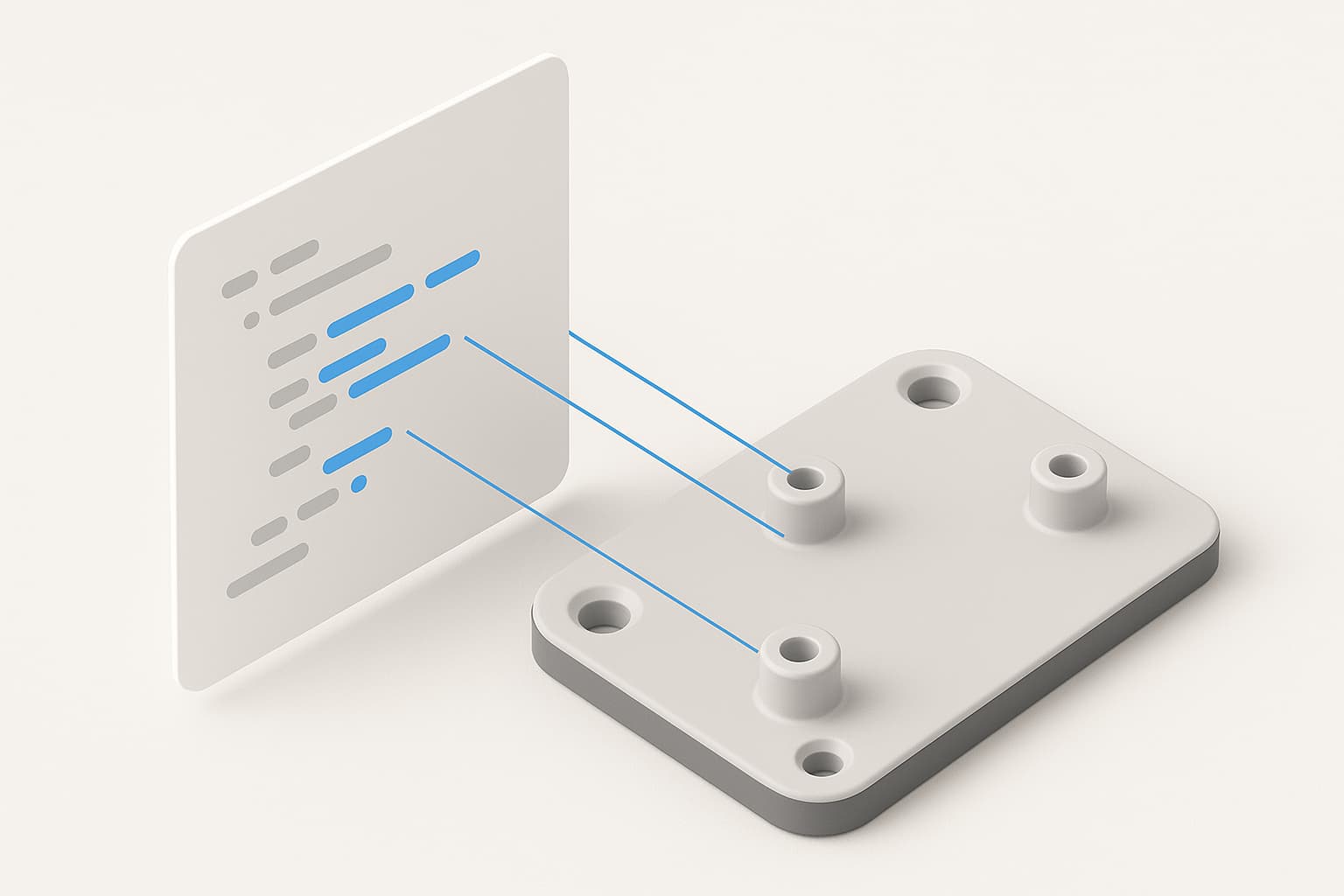
.zcmd: your part as a plain-text script
Every Zenve3D model can be written as a readable script — one command per line, parameters included — and imported as a full project. It's also the file any AI can hand you.
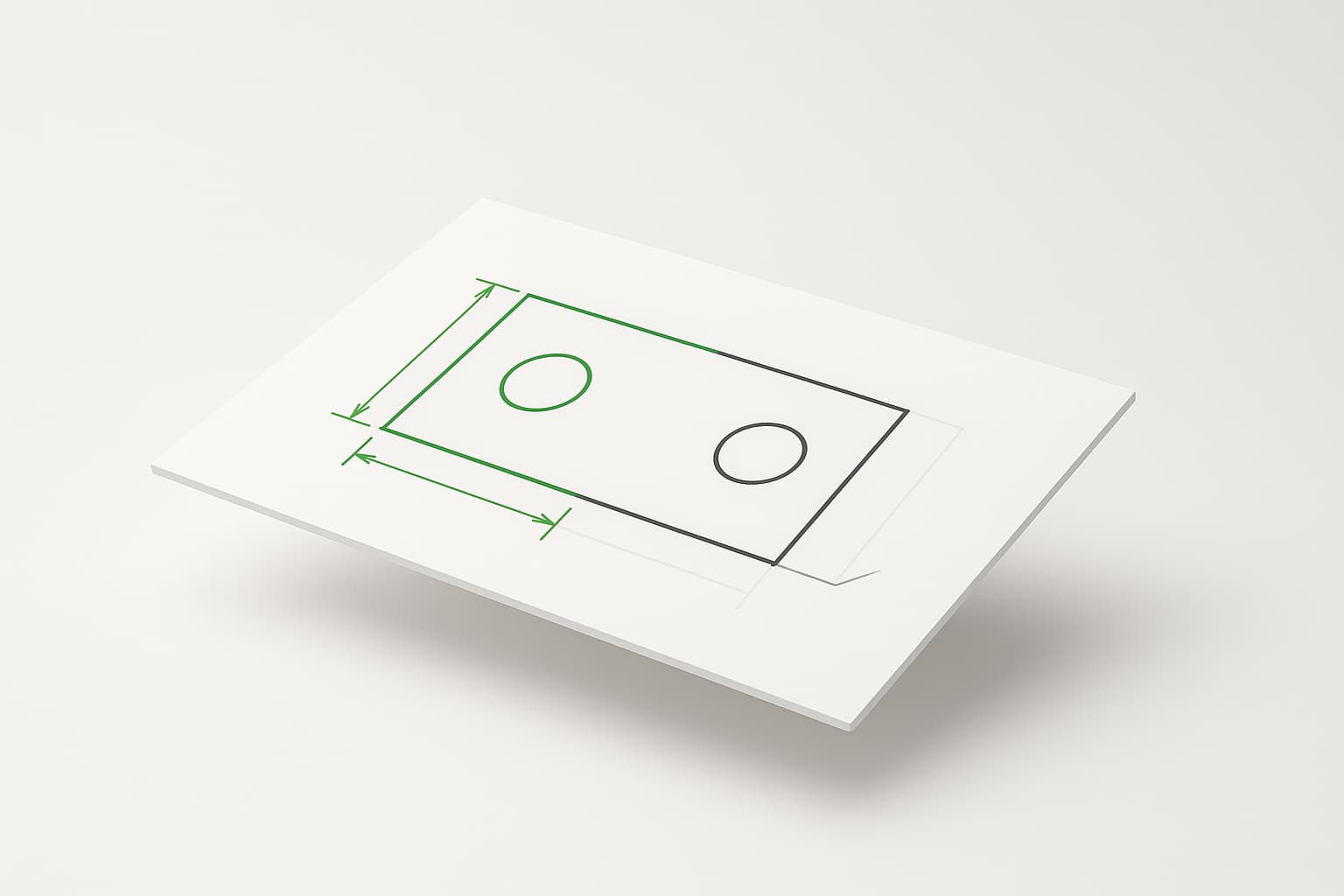
Constraints: draw free, type to lock
How constraints work in Zenve3D — geometry you tap out stays draggable, dimensions you type become law, and the ink itself tells you which is which.

How the sketch constraint solver actually works
Every parametric sketch is a system of equations. A look inside the solver that keeps thousands of constraints consistent — and fast enough for 120 Hz interaction.
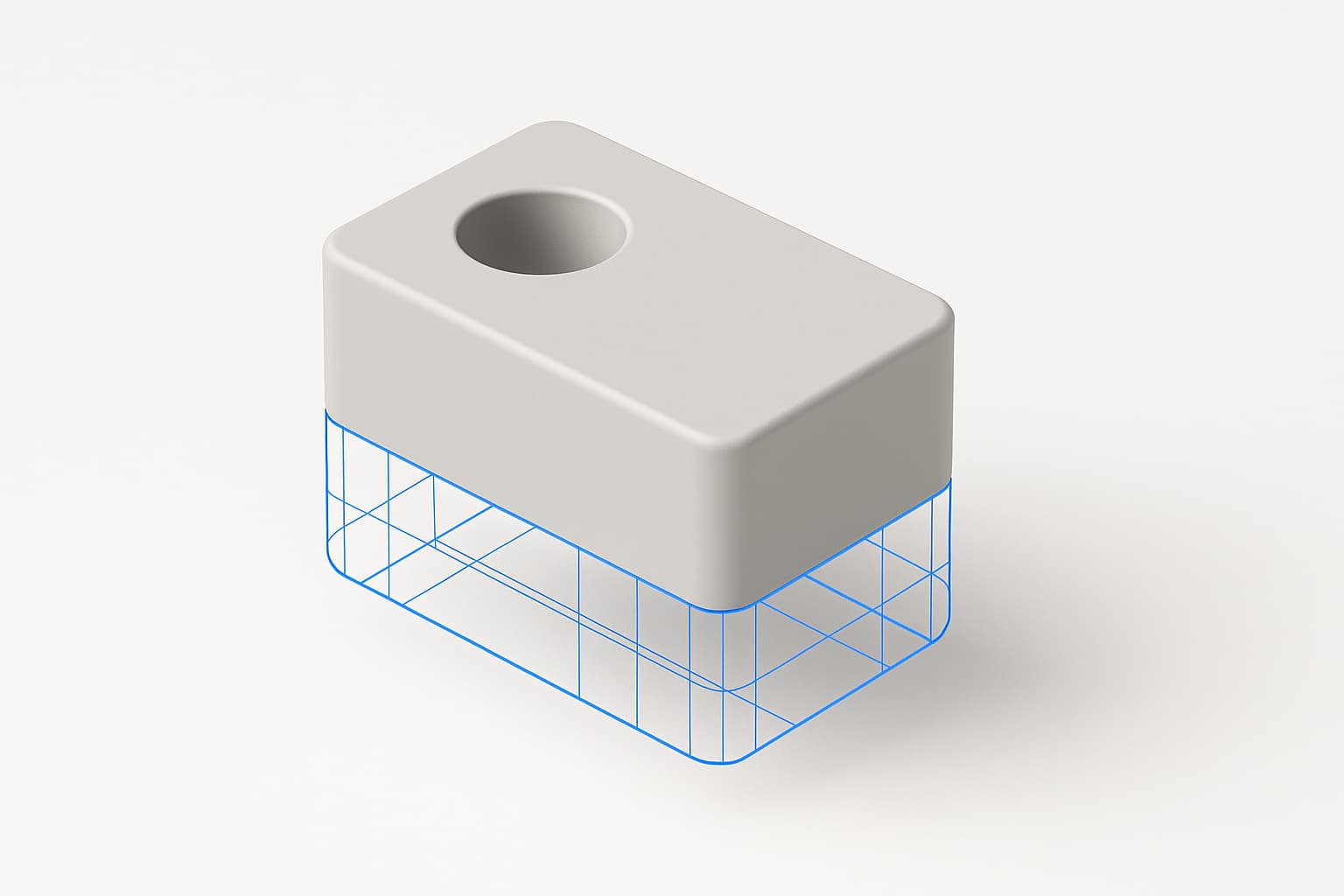
Choosing a geometry kernel (and why we didn't write our own)
Commercial kernels behind licensing walls, promising-but-incomplete newcomers, and the one open-source B-rep kernel that compiles for an iPad. How Zenve3D picked OpenCASCADE — and what got built around it.
Get new posts in your inbox.
Development updates and engineering deep-dives, roughly twice a month. No spam.