

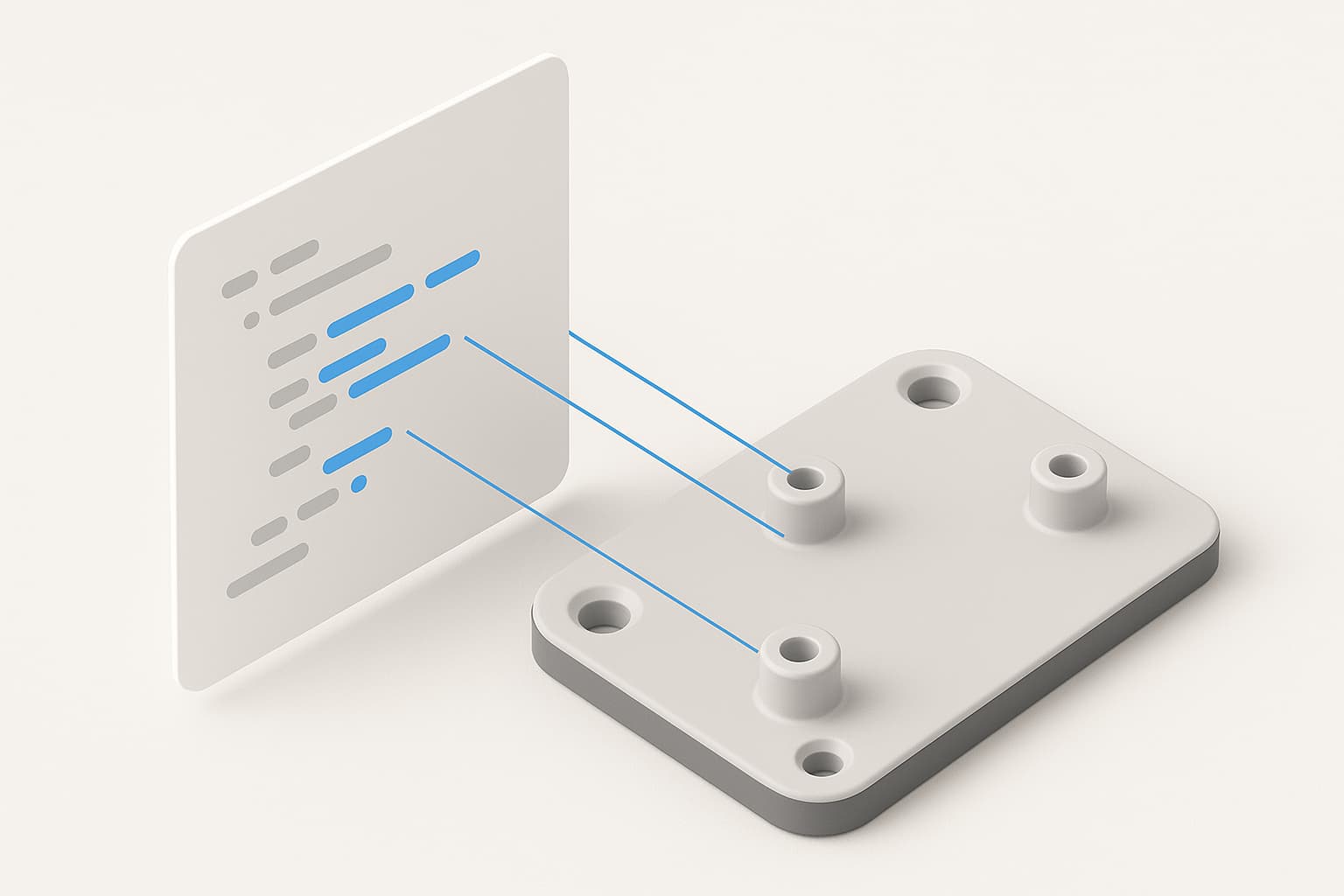
Underneath every Zenve3D project is something unusual for a CAD app: a plain-text command language. A .zcmd file is a part written as a script — one command per line, parameters and all — and the app can turn one into a full project with a single import. It's how parts travel as text, how the app records what you did, and the file an AI hands you when it designs something for you.
What a .zcmd file is
One command per line, executed top to bottom, exactly the way the part would be built by hand:
param wall  = "3"
param width = "60"
param depth = "40"

sketch on XY                                     -> $s1 $o
rect $s1 at (0, 0) width "width" height "depth"  -> $p1
constrain $s1 coincident $p1 $o
extrude profile($s1, 0) distance "wall"          -> $plate
That's a parametric mounting plate. A few things worth noticing: dimensions are quoted expressions, not baked numbers, so width stays a draggable parameter after import; the -> $s1 at the end of a line captures the ID of what was created, so later lines can refer to it; and the whole thing is readable — you can open a .zcmd in any text editor and see exactly what it's going to build before you run it.
It's worth knowing what it is not: .zcmd is not the save format. A saved project (.zenve) stores the finished recipe as data; a .zcmd is code that gets executed to produce one. That split is deliberate — your saved files never depend on old commands keeping their old meanings — but it means the script is the natural way a part travels: small, diffable, pasteable into a chat.
The app writes them too. Every modeling session is recorded as a transcript inside the project, and Settings ▸ Diagnostics ▸ Copy Script turns what you just did into a script — which is also the best way to learn the language: model something, copy it, read it.
Importing one
- iPad: the Import button on the Projects screen. A
.zcmdarriving over AirDrop or sitting in Files imports the same way. - Mac: File ▸ New from Script…
The script always runs into a fresh project — never the one you have open — so an import can't disturb existing work. And if a line fails partway through, the partial project opens anyway, with the failing line number and the refusal's own sentence shown, and the timeline stopping exactly where the script did. That's deliberately not an error dialog and a discarded file: seeing how far the recipe got is the most useful bug report an import can produce.
Safe to run, by construction
A fair question about executing a script someone sent you: what's the worst it can do? The answer is narrow by design. A .zcmd can only speak modeling commands the engine already accepts — it cannot touch your filesystem, run code, or reach outside the document it's building. The worst a broken or malicious script can do is model something wrong, and it does that as a visible failed state with a sentence, never silently.
So a script from a forum post, a friend, or an AI is safe to try. Read it first if you like — that's the point of it being text.
The AI handoff
This is where the format earns its keep. When an AI designs a part for you through the agent loop, the thing it produces is a .zcmd — the finished script lands in ~/Downloads/Zenve/, one file per part, and you import it yourself. Nothing appears in your library until you decide it does.
That handoff is worth having even when the fancier options exist. Live apply — the agent editing your open project directly — is powerful, but it's opt-in and Mac-only. The file is universal: an agent working on your Mac produces case.zcmd, you AirDrop it to the iPad, tap Import, and the part is there with its parameters ready to drag. The AI never needed to touch the iPad at all.
And because the script is readable text, the handoff comes with something a mesh never offers: you can see what you were given. Every parameter, every constraint, every dimension is right there in the file, in the order it happens.
Honest limits
Writing .zcmd by hand (or having an AI write one blind, without running it) has one real trap: region, face and edge indices come from the geometry engine and can't be predicted from the text — a plate with a hole in it is two regions, not one, and a script that guesses the wrong one builds the wrong thing. Simple single-profile parts are safe to write blind; anything richer is why the agent loop runs scripts through the real engine and reads the answers back between steps. If a hand-written import stops or surprises you, the partial project and its sentence will say exactly where and why.